Setup
Sand Hacks HWID Reset: New PC and Windows Reinstall
Aug 28, 2026 · Updated Oct 30, 2026 · 4 min read
Move your Sand Hacks license after a PC swap or Windows reinstall—portal HWID reset, support tickets, cooldowns, and optional spoofer scope.
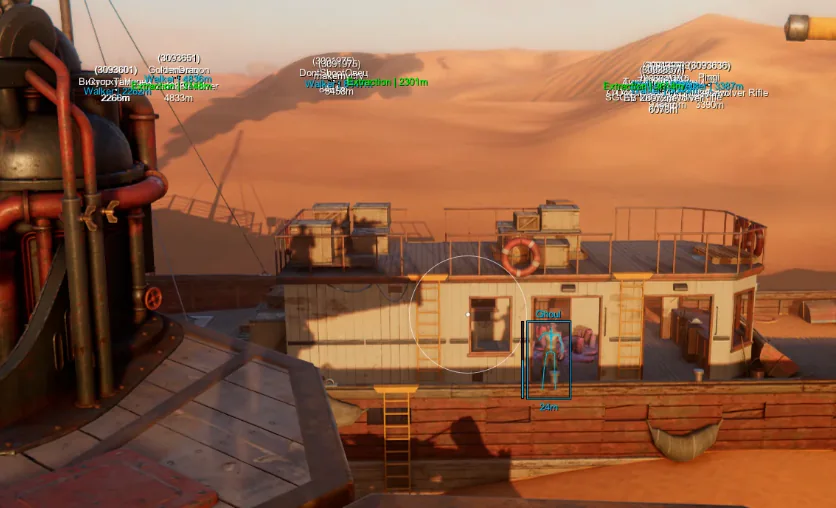
Sand Hacks licenses bind to hardware identifiers. New GPU, fresh Windows install, or a brand-new box means you need an HWID reset before the loader accepts your key again.
This is a license move guide—not a SAND ban bypass guide.
When to reset
Reset after:
- Replacing motherboard or CPU
- Reinstalling Windows on the same machine
- Moving from desktop to laptop for travel raids
Do not reset because aim felt bad last night. Cooldowns exist.
Portal reset steps
- Log into the operator portal with checkout email.
- Open license or HWID section.
- Click reset if enabled and follow confirmation steps.
- Download the current loader build from the portal—not an old desktop copy.
- Run setup guide launch order again.
Greyed-out reset button
Common causes:
- Reset used within cooldown window
- Chargeback or billing flag on the order
- Support ticket already open
Email support with order ID, old and new Windows versions, and a short explanation. Forum anecdotes: HWID thread.
Cloud configs after reset
Config save/load and cloud backup should follow the license after a successful reset. Still export local backups before you wipe the old PC.
Optional HWID Spoofer
Merchant listing: HWID Spoofer. It is not bundled into standard Sand Hacks tiers. Scope is hardware identity changes listed at checkout—not documented ban recovery.
Never confuse spoofer marketing with permission to violate game rules.
Cloud DMA note
Cloud DMA is unrelated to license resets unless your specific merchant bundle says otherwise. Read seller requirements before buying either addon.
Security hygiene
After reset:
- Revoke old loader copies on the sold PC
- Do not share portal passwords
- Do not post keys in Discord public channels
Related
Cooldown etiquette
If reset fails once, wait and read portal copy before spamming support. Duplicate tickets slow everyone on patch weekend. Include one screenshot of greyed-out button and your license expiry if shown.
Selling old hardware
Wipe loader folders before handing off the PC. Licenses are personal; buyers should not inherit your portal session cookies from a browser profile either.
Virtual machines
VM gaming with Sand Hacks is unsupported noise in most tickets. Expect HWID weirdness. Use bare metal Windows for predictable binding.
Questions about this guide
- Where is the reset button?
- In the operator portal tied to your order email.
- Why is reset greyed out?
- Cooldown from a recent reset or open ticket—email support with order proof.
- Do I need HWID Spoofer to move PCs?
- Usually no if portal reset works; spoofer is a separate merchant product.
Keep reading
Buyer's Guide
Best Sand Hacks in 2026: What to Check Before You Buy
A practical checklist for Sand Hacks on SAND: Raiders of Sophie—module lists, live status, loader delivery, and what separates usable aimbot and ESP tiers.
Oct 22, 2026 4 min read
Read buyer guide
Settings
SAND Aimbot Settings: FOV, Bones, and Smoothing for Raiders
Tune Sand Hacks aimbot on SAND: Raiders of Sophie—hotkey, FOV, bone priority, prediction, visibility checks, and smoothing without flashy clips.
Oct 18, 2026 4 min read
Read settings guide
Plans
Sand Hacks Plans: Complete Suite vs Cloud DMA, Spoofer & Skins
Compare Complete Sand Hacks with Cloud DMA, HWID Spoofer, and Skin Changer for SAND: Raiders of Sophie cities, dunes, Tramplers, and extract fights.
Oct 10, 2026 4 min read
Read plan comparison