Setup
Sand Hacks Setup Guide: Loader, Portal, and First Raid
Sep 28, 2026 · Updated Nov 10, 2026 · 4 min read
Step-by-step Sand Hacks setup for SAND on Windows—checkout, portal loader, borderless video, first-run status check, and support when inject fails.
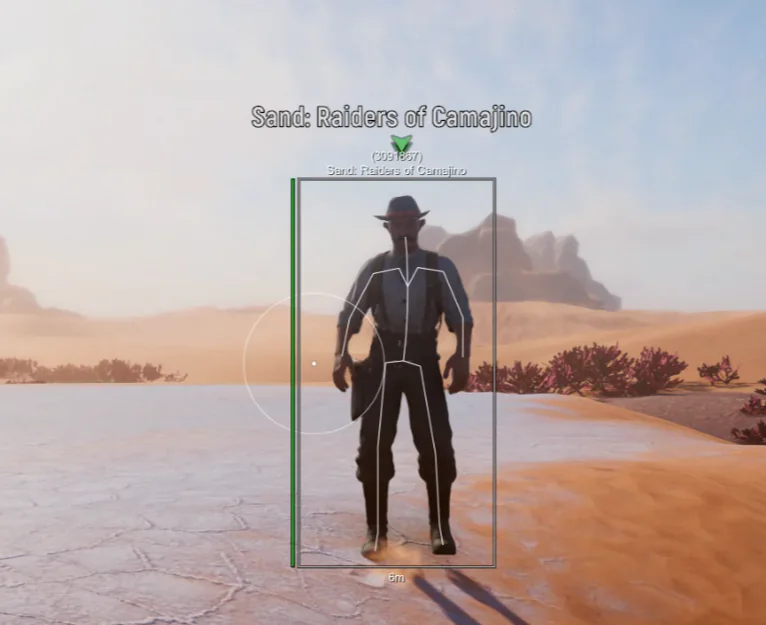
This setup guide is for PC players who already chose a Sand Hacks tier on sandhacks.com and need a clean first session on Sophie without guessing launch order.
Third-party tools can conflict with SAND updates. Check live status before every step below.
Before checkout
- Confirm Windows 10 or 11 64-bit.
- Read account risk and accept that bans are possible.
- Pick Complete on the product hub, then add Cloud DMA, HWID Spoofer, or Skin Changer only if those utilities match your setup.
- Finish payment on the merchant checkout page linked from the site.
Portal and download
After payment:
- Log into the operator portal with your order email.
- Download the loader only from the portal—never from Discord DMs.
- Create a dedicated folder (for example
C:\SandHacks\) and add it to Windows Defender exclusions if SmartScreen blocks the file. Forum thread: Defender exclusion. - Read any pinned build notes in Discord #status.
Video and launch order
Most “waiting for game window” tickets are solved with:
- Set SAND to borderless windowed (not exclusive fullscreen).
- Launch the game manually and wait for the main menu.
- Start the loader after the menu is visible.
- Use the merchant-listed custom menu key once inject succeeds.
Close RGB tools, FPS overlays, and random injectors that hook DirectX.
First config pass
Do not import a random config from a forum post on day one.
- Open the menu in a private test space or quiet scav run.
- Set panic key and menu key first.
- If you bought ESP, cap max ESP distance and disable skeleton if FPS drops (performance thread).
- If you bought aimbot, set visibility check on and smoothing high before touching FOV (settings guide).
- Save a baseline slot per config presets.
Verify modules match your tier
Open the feature list inside the menu and compare it to your checkout receipt. Complete should list aimbot, ESP, trampler, radar, and misc groups. If something is missing, screenshot the portal build version and open support.
Patch-day discipline
When SAND updates:
- Stop raiding immediately if status flips offline.
- Download the portal build support links when #status says online.
- Re-test menu key before you reuse old FOV or ESP range values.
Details: troubleshooting and patch wait thread.
HWID and second PC
License keys bind to hardware. If you rebuild Windows or buy a new PC, use portal HWID reset or follow HWID reset guide. Optional HWID Spoofer is a separate merchant product—not required for a normal PC swap if reset works.
Stream and capture test
Before you broadcast a city run, record 20 seconds locally and confirm overlays do not leak. See OBS thread.
When to ask for help
Open Discord or email support with:
- Order email
- Tier name
- Windows version
- Exact loader error text
- Whether status showed online when you launched
Next reads
Troubleshooting quick table
| Symptom | First fix |
|---|---|
| Waiting for game window | Borderless + inject after menu |
| Menu dead after patch | Status online → new portal build |
| Defender quarantine | Folder exclusion → re-download |
| Modules missing | Blank preset → tier list |
| FPS drop downtown | Skeleton off, distance down |
Full walkthrough: troubleshooting.
Duo setup
If both squadmates run Sand Hacks, agree who runs wider item ESP and who runs combat presets. Duplicate Trampler radar callouts are noisy. One caller, one cleaner HUD.
Account hygiene
Use a checkout email you control long-term. Enable portal 2FA if the merchant offers it. Store HWID reset confirmations in the same mailbox so support tickets stay short.
Questions about this guide
- Do I install files into the SAND folder?
- No. The external loader runs outside the game directory per product FAQ.
- What video mode should I use?
- Borderless windowed is the common fix when inject waits forever.
- When should I open the in-game menu?
- After the main menu loads, not at the splash screen.
Keep reading
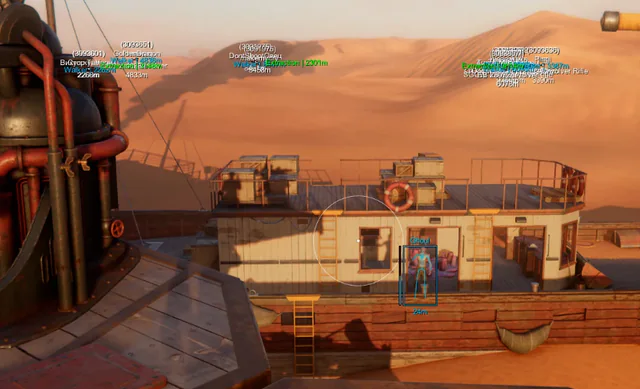
Buyer's Guide
Best Sand Hacks in 2026: What to Check Before You Buy
A practical checklist for Sand Hacks on SAND: Raiders of Sophie—module lists, live status, loader delivery, and what separates usable aimbot and ESP tiers.
Oct 22, 2026 4 min read
Read buyer guide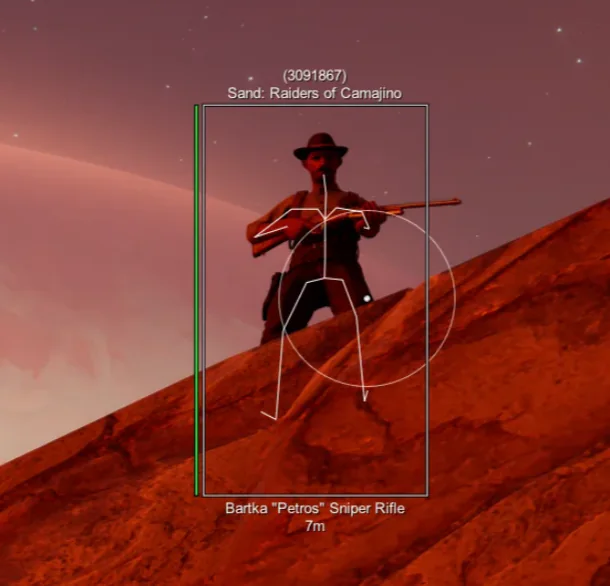
Settings
SAND Aimbot Settings: FOV, Bones, and Smoothing for Raiders
Tune Sand Hacks aimbot on SAND: Raiders of Sophie—hotkey, FOV, bone priority, prediction, visibility checks, and smoothing without flashy clips.
Oct 18, 2026 4 min read
Read settings guide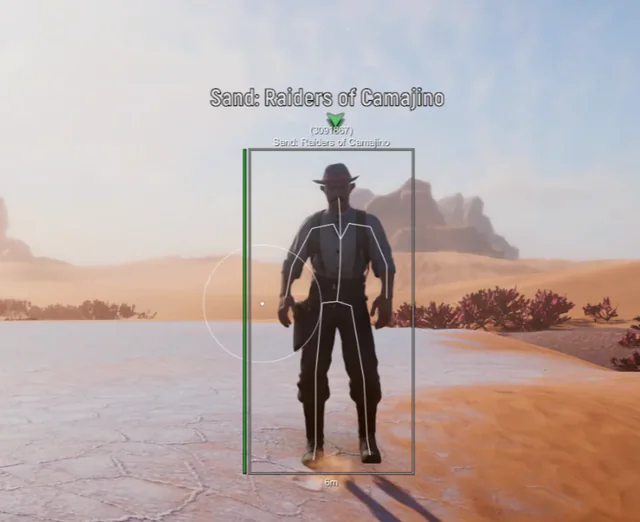
Plans
Sand Hacks Plans: Complete Suite vs Cloud DMA, Spoofer & Skins
Compare Complete Sand Hacks with Cloud DMA, HWID Spoofer, and Skin Changer for SAND: Raiders of Sophie cities, dunes, Tramplers, and extract fights.
Oct 10, 2026 4 min read
Read plan comparison